

Product details

What's Included

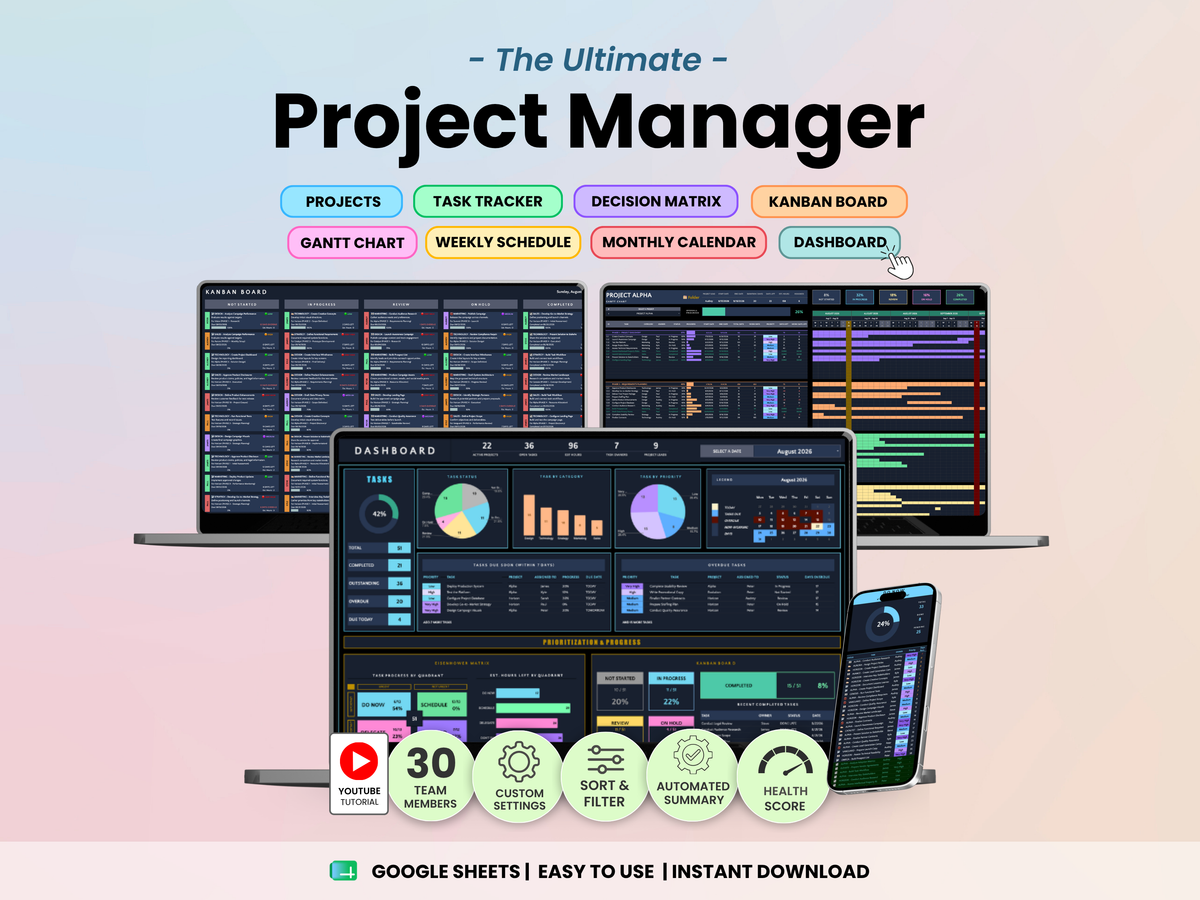
The template includes 9 tabs designed to help you plan, execute, and monitor projects from start to finish:

  • Start & Setup – Configure up to 100 projects, and customize categories, team members, work schedules, holidays, and project settings with step-by-step instructions and a video tutorial.
  • Task Tracker – Manage up to 2,000 tasks, deadlines, priorities, assignments, and project activities in one centralized workspace
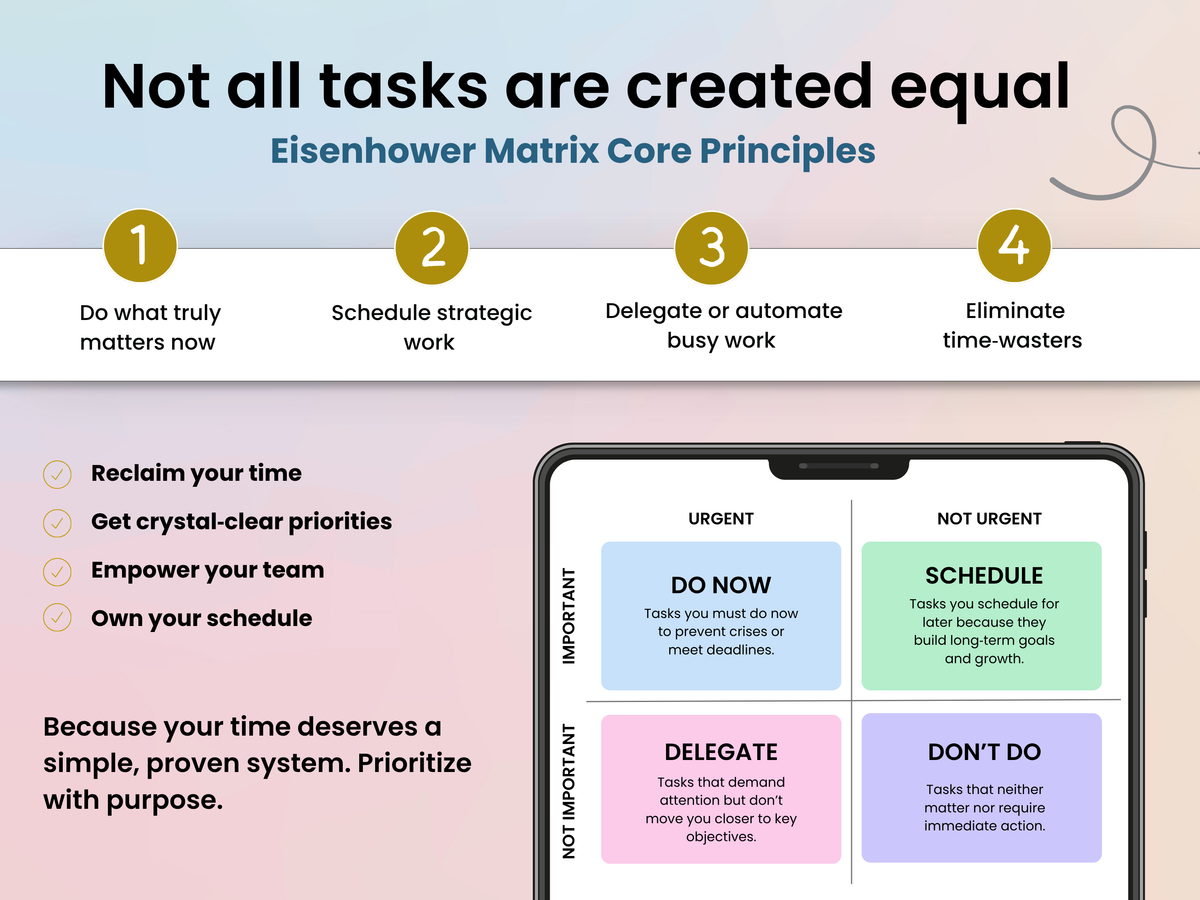
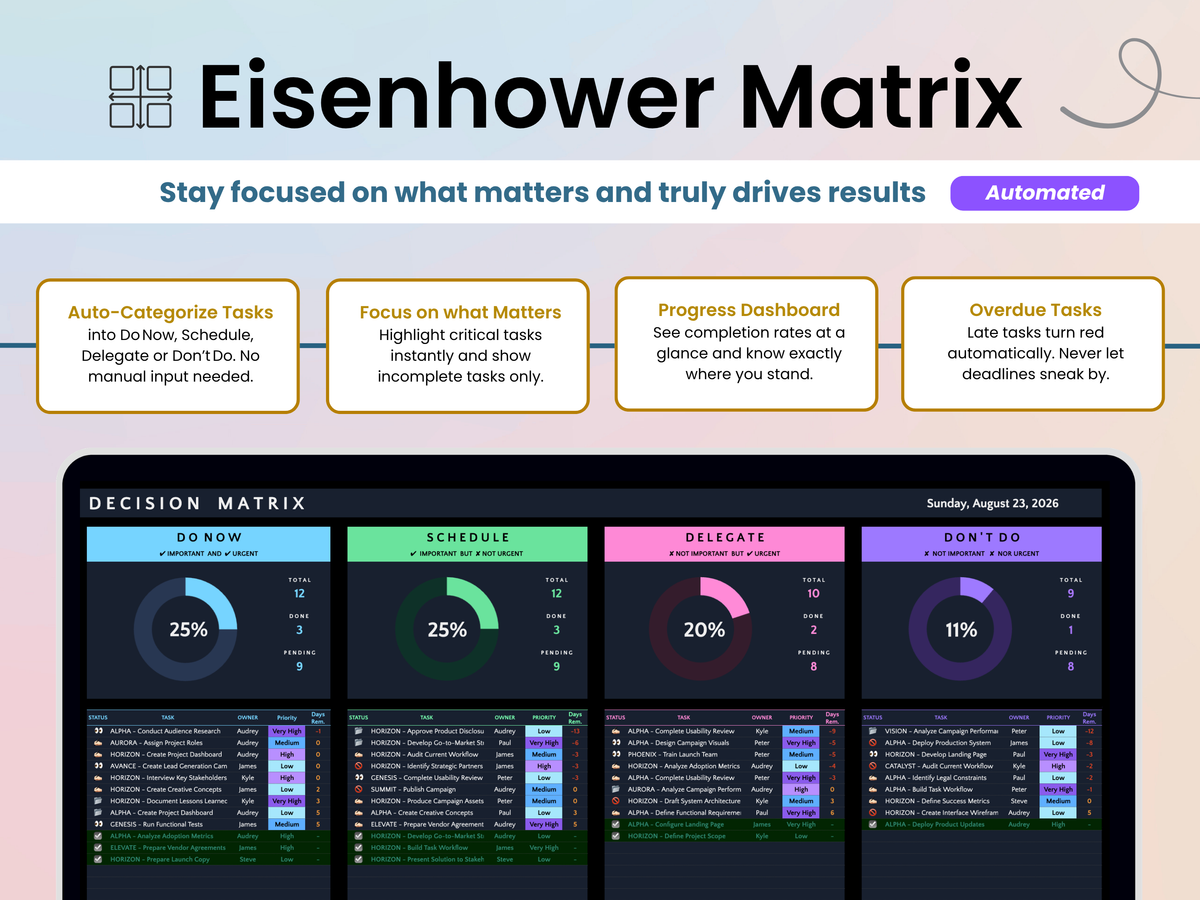
  • Eisenhower Matrix – Prioritize tasks based on urgency and importance to focus on high-impact work
  • Kanban Board – Visualize workflow progress and track project stages from start to completion
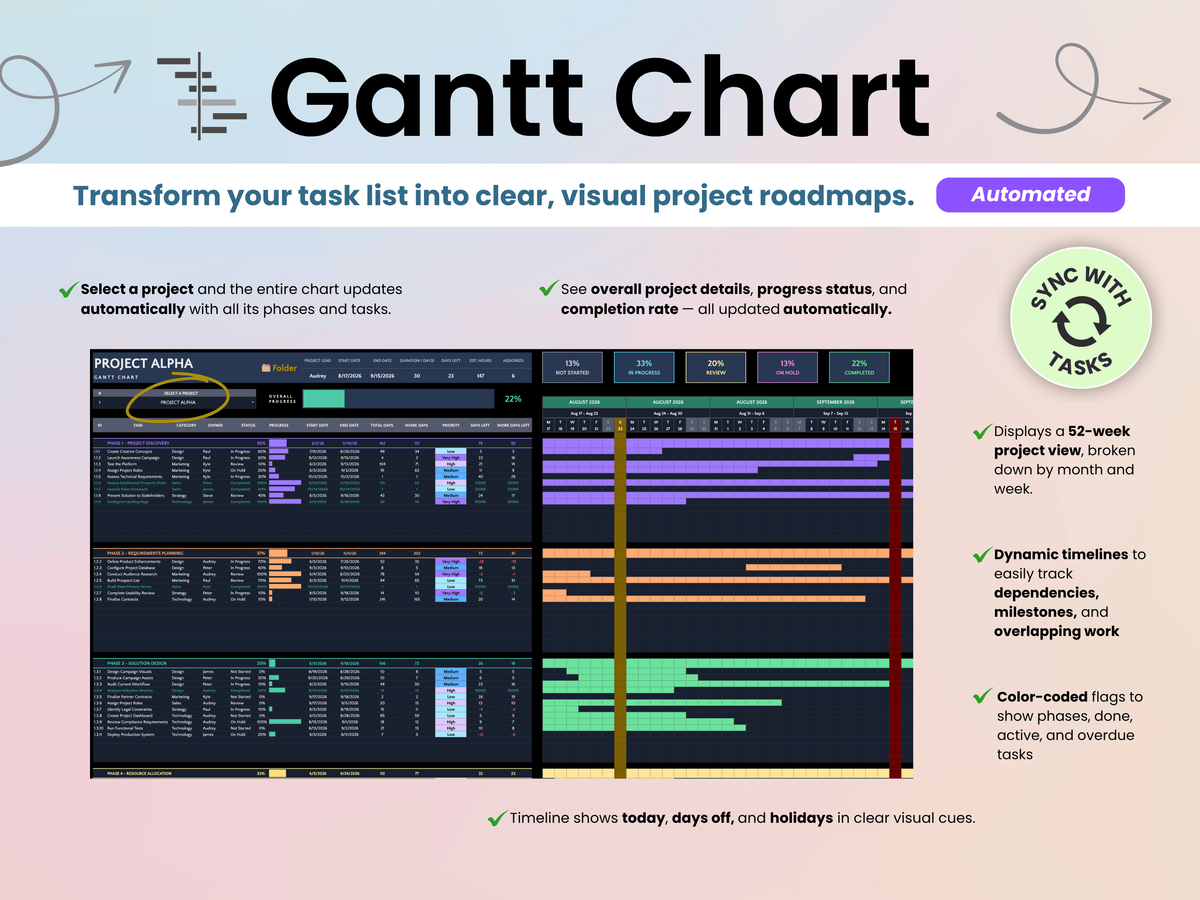
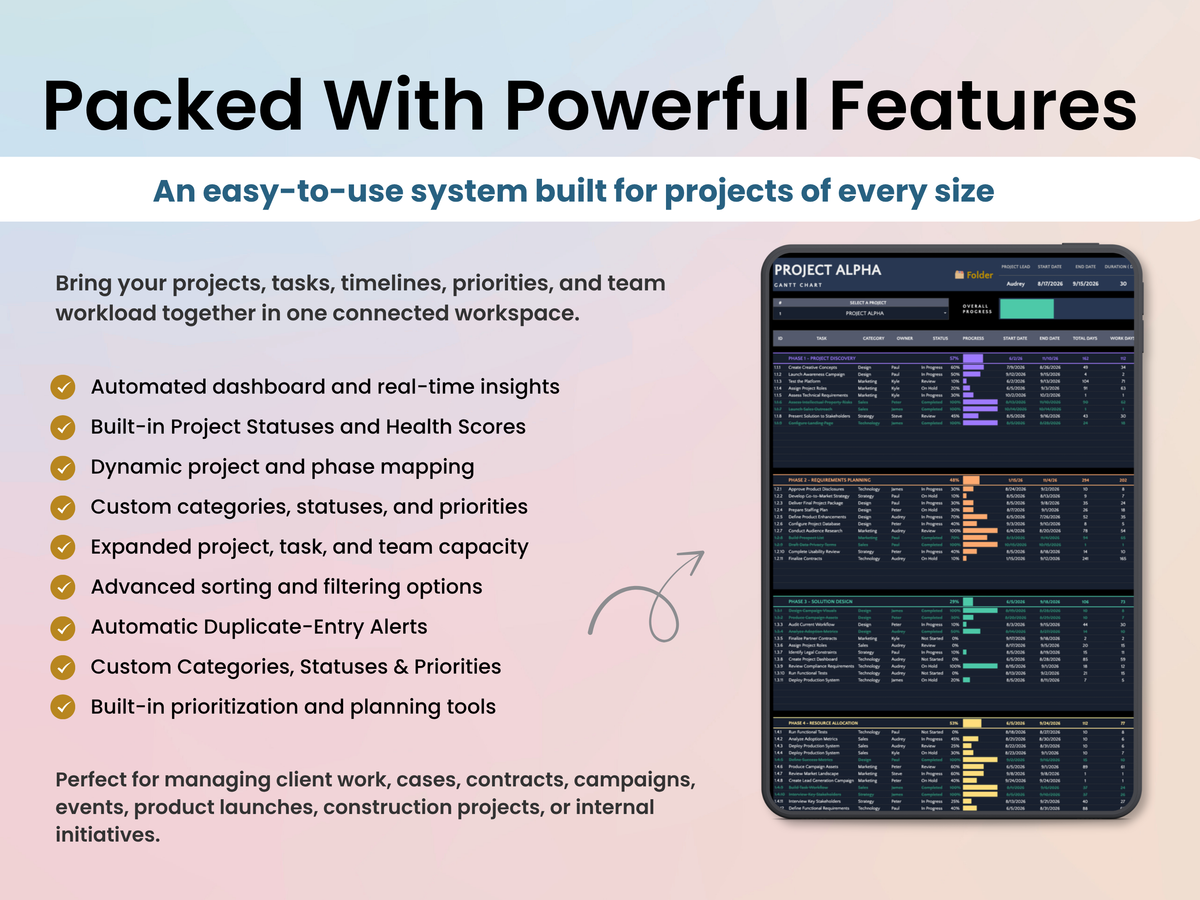
  • Gantt Chart – Monitor project timelines, task durations, milestones, and dependencies
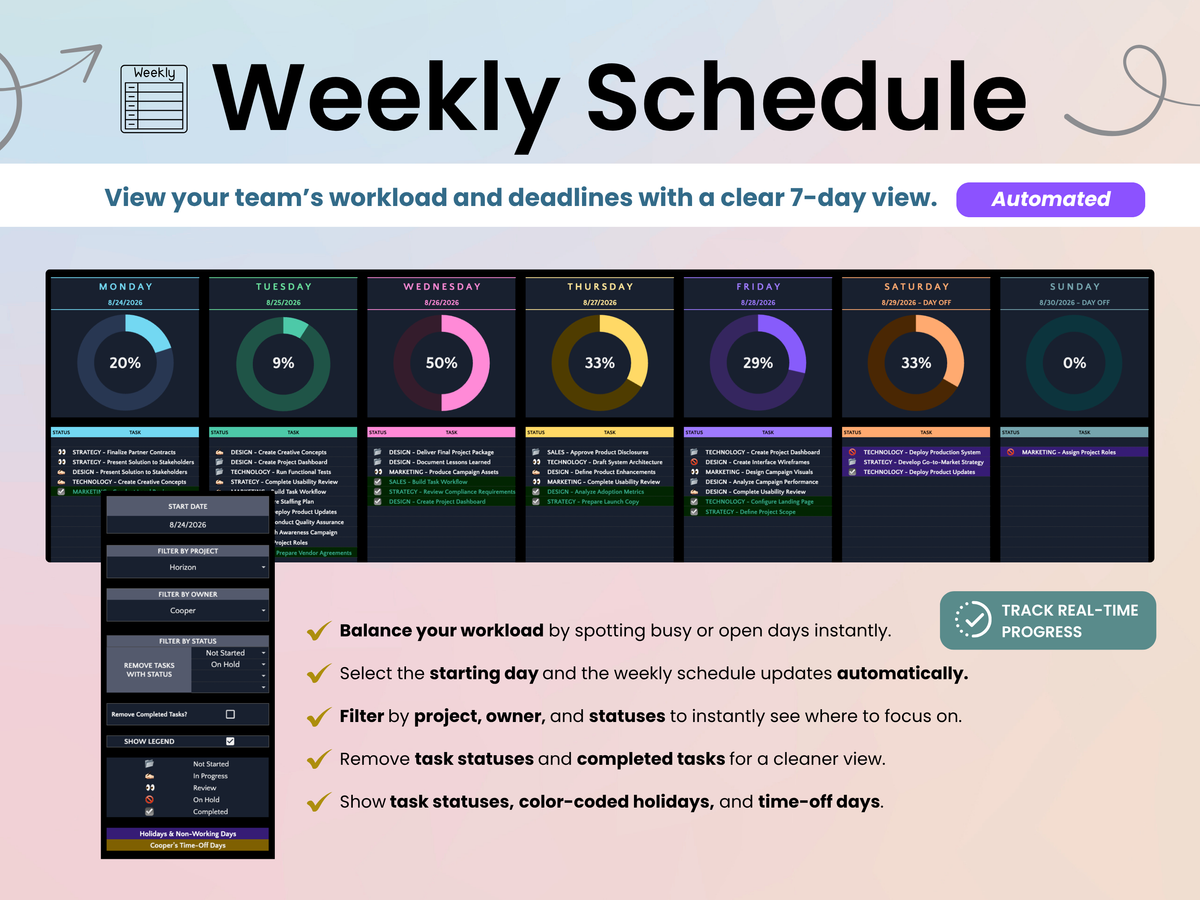
  • Weekly Schedule – Plan workloads and priorities with a clear weekly planning view
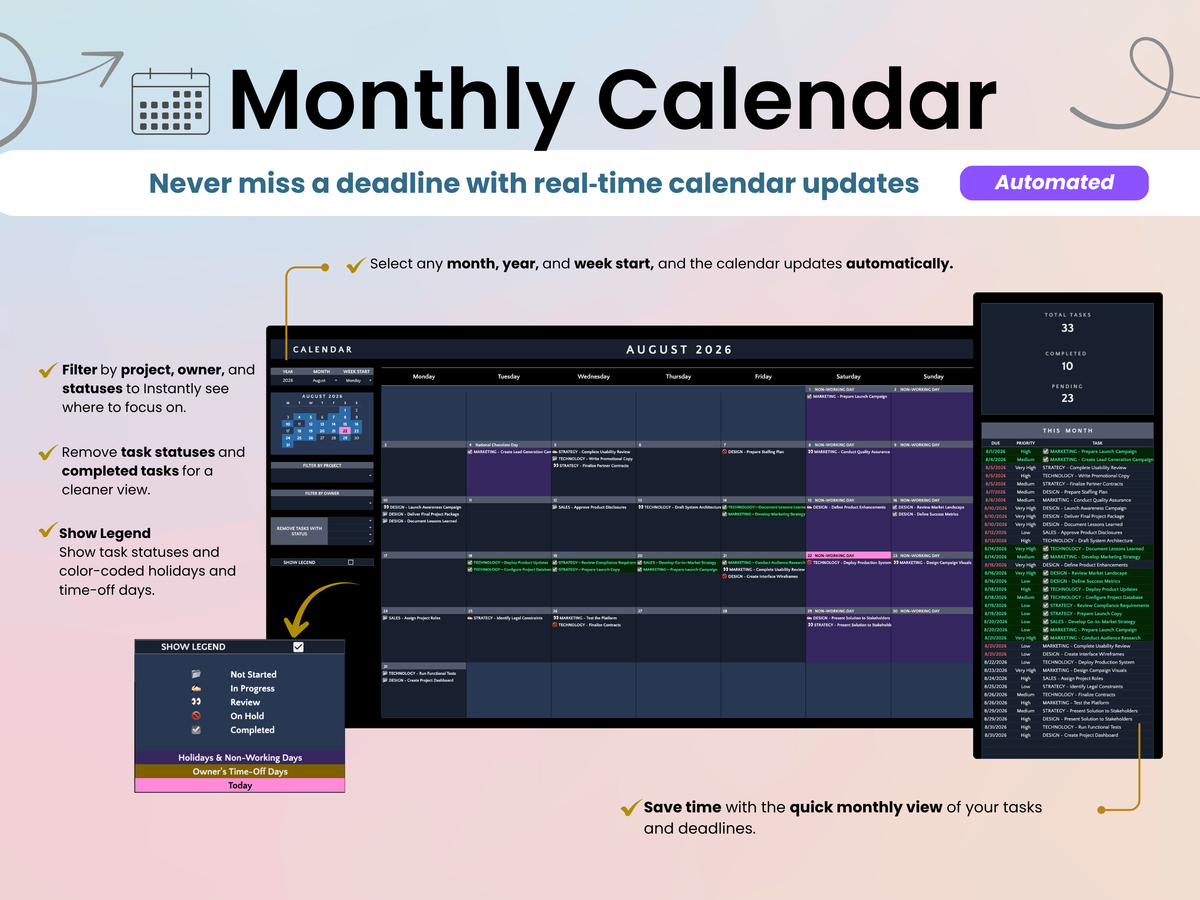
  • Monthly Calendar – Track deadlines, project activities, and completed work throughout the month
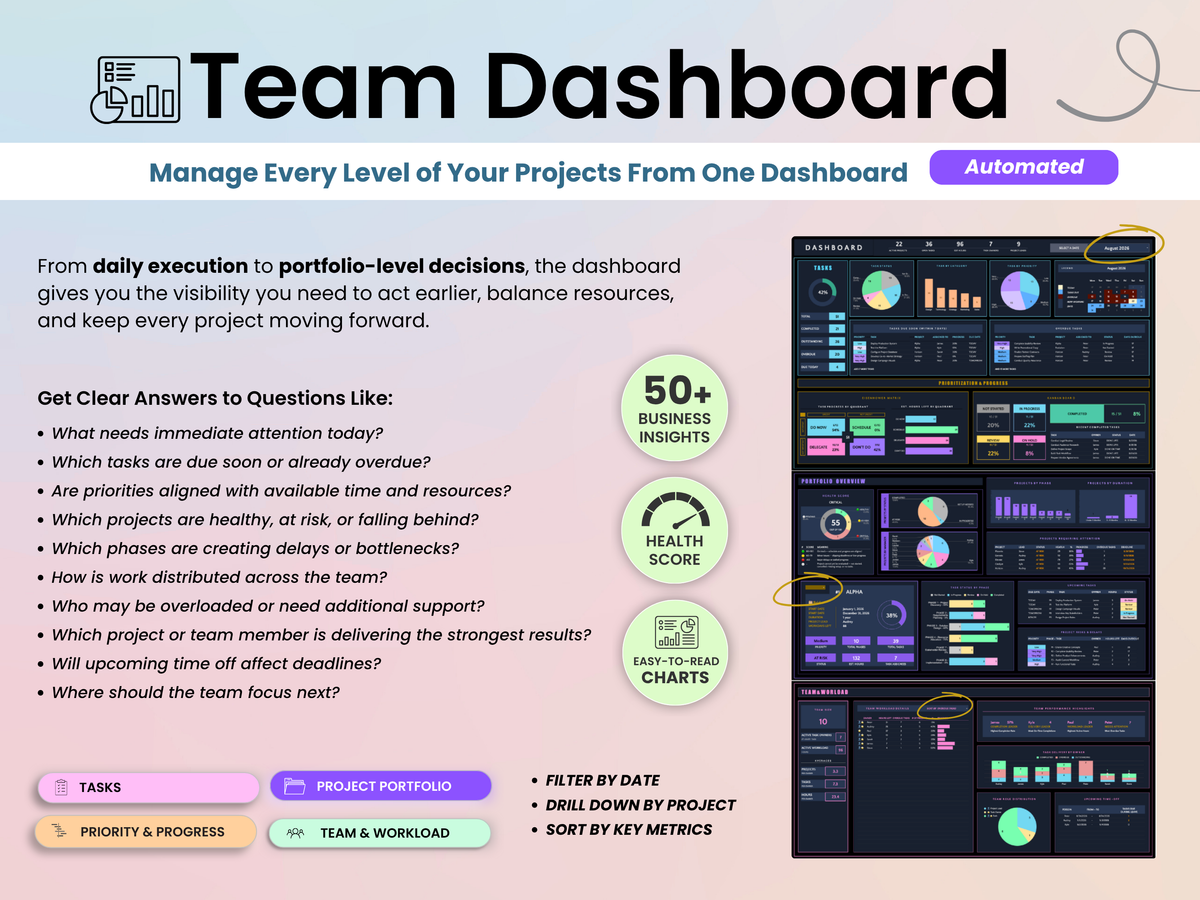
  • Dashboard – Analyze project performance, team workload, priorities, progress, and productivity through automated reports and visual insights

Features Included

  • Automated project progress tracking and health scoring
  • Workload and capacity monitoring across team members
  • Dynamic Gantt chart for project planning and timeline management
  • Visual Kanban workflow management
  • Task prioritization using the Eisenhower Matrix
  • Smart filters by project, owner, category, status, and priority
  • Automated dashboards, charts, and reporting
  • Color-coded statuses and project indicators
  • Project health and scoring system
  • Automated calculations and performance metrics
key Benefits
  • Plan, manage, and track projects from start to finish in one place
  • Gain complete visibility into tasks, deadlines, priorities, and project progress
  • Improve team accountability and workload management
  • Visualize timelines, milestones, and project schedules with an interactive Gantt chart
  • Monitor workflow progress through a visual Kanban board
  • Quickly identify risks, bottlenecks, and overdue work before they impact delivery
  • Prioritize high-impact tasks using the Eisenhower Matrix framework
  • Save time with automated calculations, dashboards, and reporting
  • Replace multiple project management tools with one centralized system
  • Scale from freelance projects to multi-project team environments
Who is this for

This Project Manager Template is ideal for:

  • Project Managers – Track timelines, deliverables, milestones, dependencies, and project health.
  • Small Business Owners – Manage operations, projects, and team responsibilities from one workspace.
  • Freelancers – Organize client projects, deadlines, deliverables, and workloads.
  • Consultants – Manage multiple client engagements and project timelines efficiently.
  • Team Leaders – Improve visibility into team workload, progress, and project performance.
  • Marketing Teams – Coordinate campaigns, content production, launches, and deliverables.
  • Agencies – Track multiple clients, projects, deadlines, and resources simultaneously.
  • Startup Teams – Build repeatable project workflows without investing in expensive software.

Whether you're managing a single project or an entire portfolio of initiatives, this template helps you stay organized, focused, and in control.

The Smart Kit Difference

Most project management spreadsheets focus on one view—either a task list, a Gantt chart, or a Kanban board. This template brings them together into one connected project management system.

  • Manage projects through multiple views without duplicating data
  • Keep tasks, timelines, priorities, schedules, and team workloads synchronized automatically
  • Combine project planning, execution, reporting, and prioritization in one workspace
  • Gain real-time visibility into project health, workload distribution, and overall progress
  • Designed to be powerful enough for teams while remaining simple enough for everyday use
  • Includes Light Mode, Dark Mode, a written guide, and a full video tutorial

Built for professionals who need more than a basic project tracker and want a practical system to plan, manage, and deliver projects with confidence.

Important Notes
  • One-Time Payment: Pay once and enjoy unlimited access with no subscriptions or recurring fees.
  • Digital Download: This is a digital product. No physical item will be shipped.
  • Google Sheets Compatible: This template is designed exclusively for Google Sheets and is not compatible with Microsoft Excel.
  • Access Requirements: A free Google account is required to use this spreadsheet.
  • Reusable: Use the template again and again by creating a fresh copy whenever needed.
Disclaimer

This spreadsheet is provided for informational and organizational purposes only.

Under no circumstances shall Smart Kit Designs be held liable for any direct, indirect, incidental, or consequential loss, damage, or expense arising from the use of this spreadsheet.

Google Sheets is a trademark of Google LLC. Smart Kit Designs is not affiliated with, endorsed by, or sponsored by Google LLC.

See the template in action

Explore every feature, dashboard, and tool included in the Project Manager template through our detailed walkthrough. Learn how the system works together and pick up practical tips to help you stay organized and get better results.

Watch the Video Tutorial

FAQs

Please read our FAQs page to find out more.

Is this a one-time purchase or a subscription?

This is a one-time purchase. There are no monthly fees, subscriptions, or recurring charges. Once purchased, the template is yours to use indefinitely.

What do I receive after purchase?

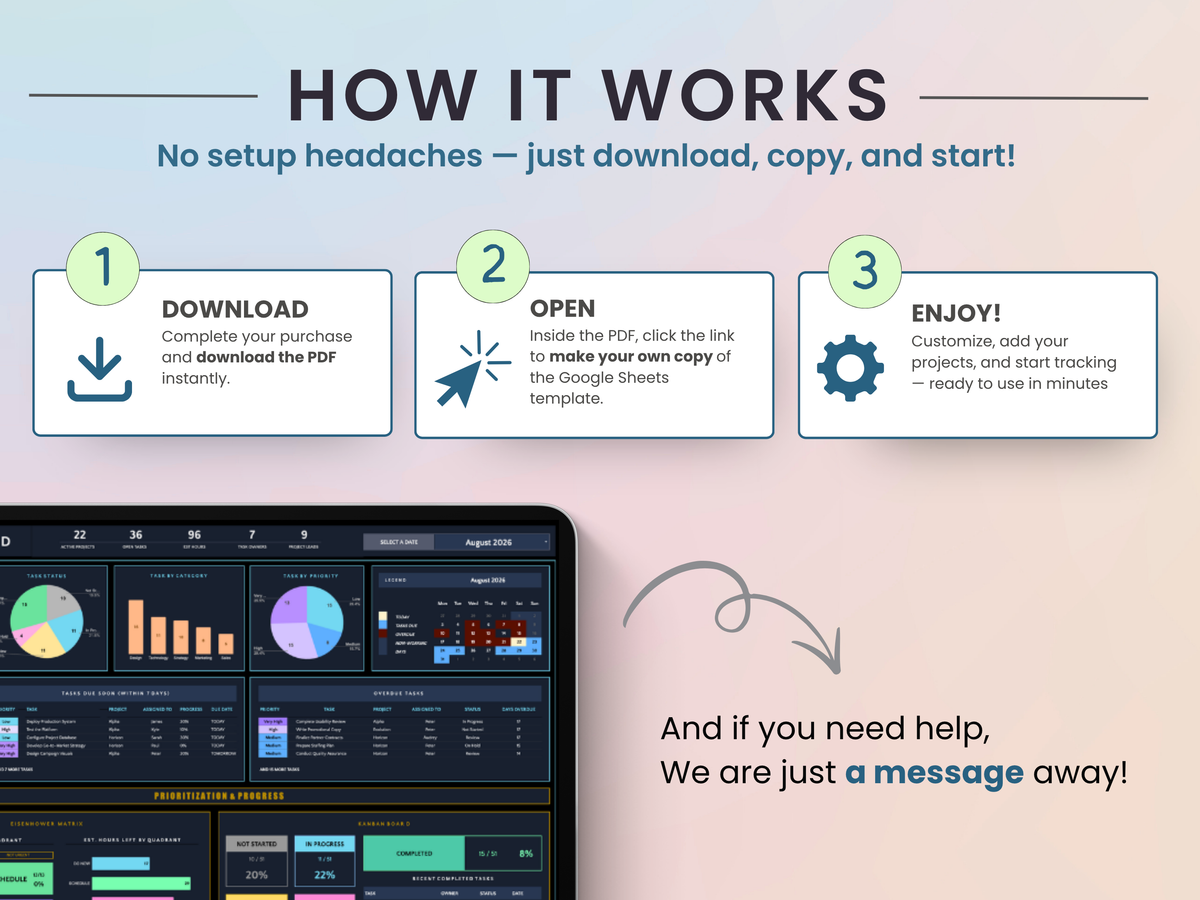
After purchase, you'll receive a link to open the template in Google Sheets. Simply make your own copy and save it to your Google Drive. No physical product will be shipped.

Are instructions included?

Yes. Every template includes written instructions to help you get started. Many templates also include a step-by-step video walkthroughs covering setup, features, and best practices.

Can I customize the template?

Yes. All templates are fully editable and can be customized to fit your needs, including categories, labels, colors, and other settings where applicable.

What if I accidentally delete a formula or make a mistake?

No worries. Most changes can be reversed using Google Sheets' Undo feature or Version History. Every Smart Kit Designs template also includes access to a fresh copy, so you can always start over if needed.

What is the standard license?

With the standard license:

You may:

  • Use the template for personal use
  • Use the template within your own business
  • Share with internal team members
  • Customize the template
  • Deliver copies to clients as part of your services

You may not:

  • Remove Smart Kit Designs branding
  • Resell the template as a standalone product
  • Redistribute the template outside of client engagements
Do you offer refunds?

Due to the digital nature of our products, all sales are final and refunds cannot be provided once access has been granted. Please review the product description and preview images carefully before purchasing.

Didn’t find your answer?

Don't hestitate to contact us